- Features
- Solutions
- Pricing
- Resources
LinkedIn QR code generator
Make your LinkedIn profile easy to share
Create a custom LinkedIn QR code that matches your brand and helps you measure engagement with real-time analytics.






Create a Link QR Code
Create an account to access advanced QR code features.
Create a Bio Link QR Code
Create an account to access advanced QR code features.
Create a Phone QR Code
Create an account to access advanced QR code features.
Create a Email QR Code
Create an account to access advanced QR code features.
Create a SMS QR Code
Create an account to access advanced QR code features.
Create a vCard QR Code
Create an account to access advanced QR code features.
Create a WiFi QR Code
Create an account to access advanced QR code features.
Create a Text QR Code
Create an account to access advanced QR code features.
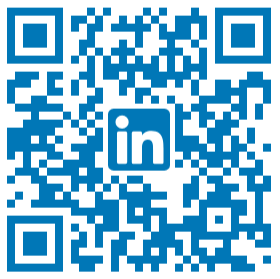
Connect with a LinkedIn profile instantly
Scan this LinkedIn QR to see how it instantly opens a professional profile and creates a seamless connection experience. LinkedIn is the world's largest professional network, with over 1 billion members across 200+ countries. 87% of recruiters actively use LinkedIn to source and vet candidates, and the platform drives more than 46% of all social traffic to B2B websites. With numbers like these, making your profile as easy to access as possible isn't optional, it's a competitive advantage.
How to generate LinkedIn QR code?
Create your personalized LinkedIn QR code in just a few clicks.
Step 1: Enter your profile URL
Paste your LinkedIn profile link into the QR code generator to get started. This ensures your code connects directly to your professional profile.
Step 2: Customize your QR code design
Choose colors, patterns, and frames that match your LinkedIn, personal, or brand identity. Add a logo to make your QR code stand out.
Step 3: Generate, download, and track
Generate your QR code, then download and share it anywhere. Monitor engagement with Replug’s detailed analytics and tracking features.
Build a QR code with Replug that LinkedIn can't
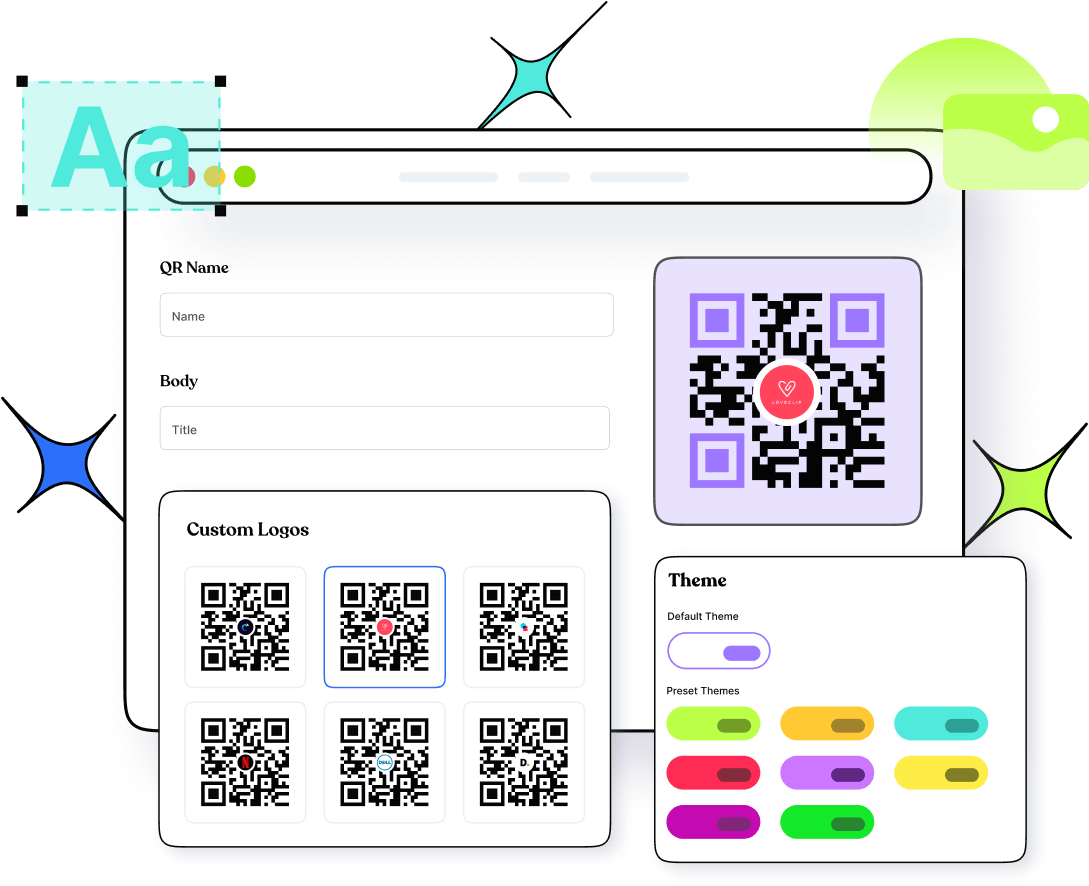
LinkedIn's built-in QR code is limited to personal profiles and can't be customized, edited, or tracked. Replug lets you generate QR codes for company pages, team profiles, and job listings, anything with a URL. You get full design control over colors, patterns, frames, and logo placement, plus multiple download formats (PNG, JPG, SVG) so your code looks sharp whether it's on a business card or a billboard.
Know exactly what's working
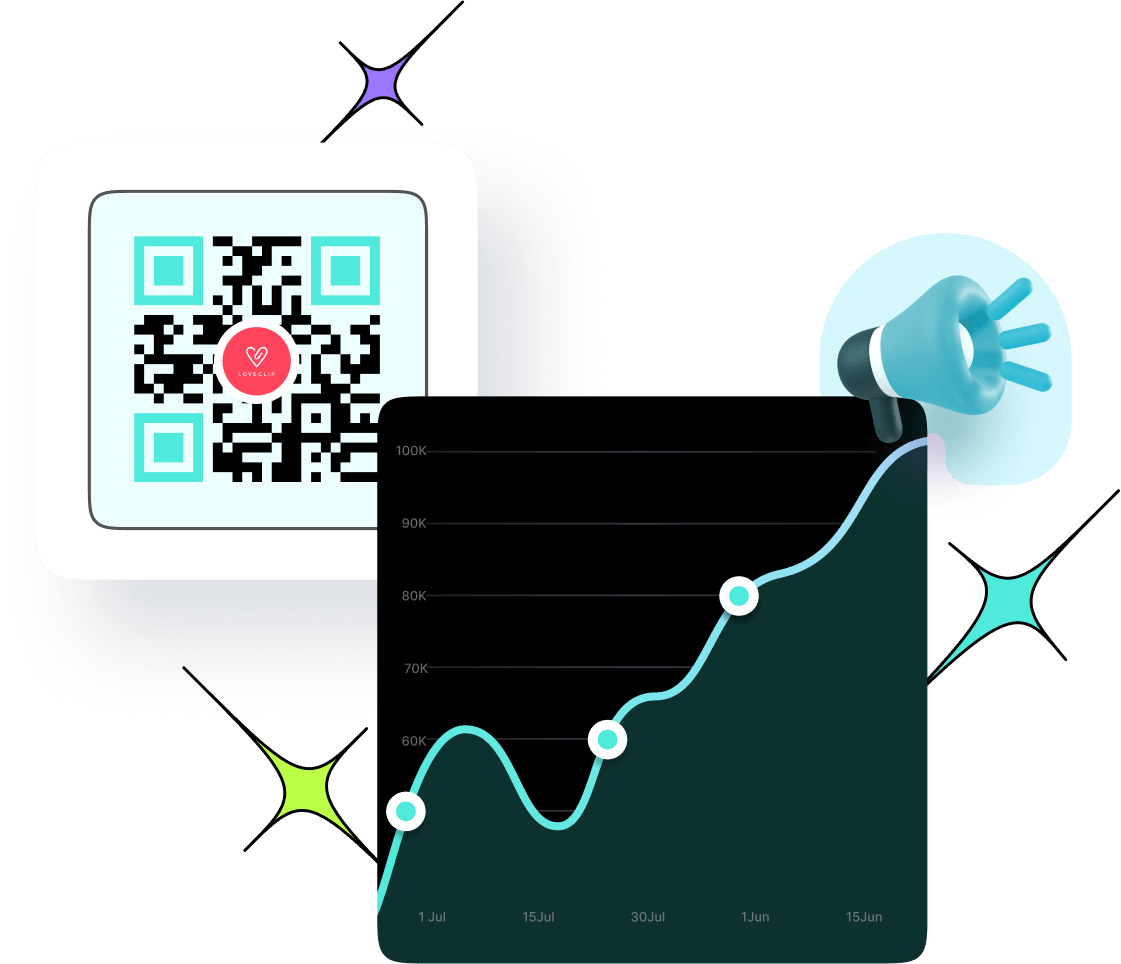
LinkedIn gives you zero data after someone scans your code. Replug tracks every scan in real time: total and unique scans, location by city and country, device type, and time of day. And because Replug uses dynamic QR codes, you can update the destination URL at any time without reprinting, so your business cards, event materials, and brochures stay valid even if your LinkedIn URL changes.
Where to use your LinkedIn QR code?
Share your professional identity anywhere you connect, online or offline.
Business cards
Make every introduction count by letting people scan and connect instantly after meeting you.
Resumes & portfolios
Give recruiters quick access to your professional background with a simple scan.
Email signatures
Turn every email into a networking opportunity by adding a scannable profile link.
Company pages
Promote your organization’s credibility by adding codes to your team or brand pages.
Marketing materials
Include QR codes in brochures, posters, and flyers to bridge offline promotions with your LinkedIn presence.
Event badges and booths
Simplify networking at conferences and trade shows by making your profile accessible in seconds.
Frequently asked questions
Create QR codes for everything you share
Manage all your links in one place
No credit card required